
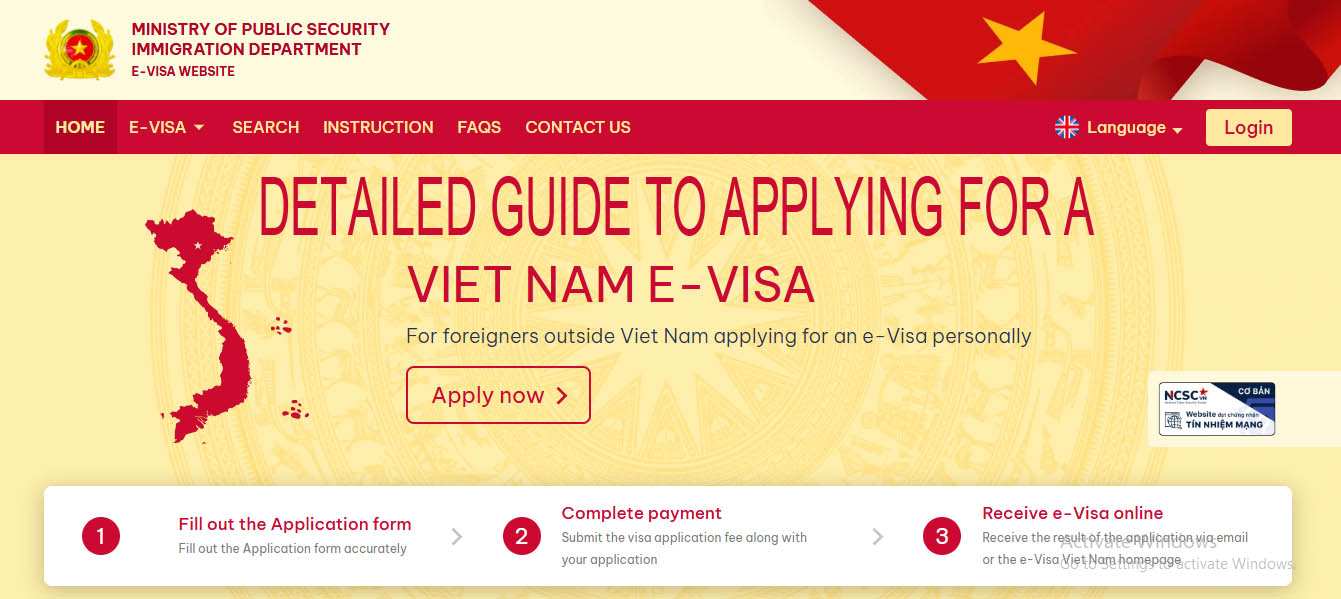
Detailed Guide to Applying for a Vietnam eVisa
You only need to follow this guide, and you will be able to get your eVisa without paying for an application service. The most important thing to remember is that you should only fill in the fields marked with an “*”. These are the required fields that the Vietnamese government needs in order to review your application. The other fields are not necessary in most cases. They are mainly intended for applicants from more difficult nationalities. You can check the list here: Nationalities That Are Difficult to Obtain a Vietnam eVisa.
Now, let’s get started.
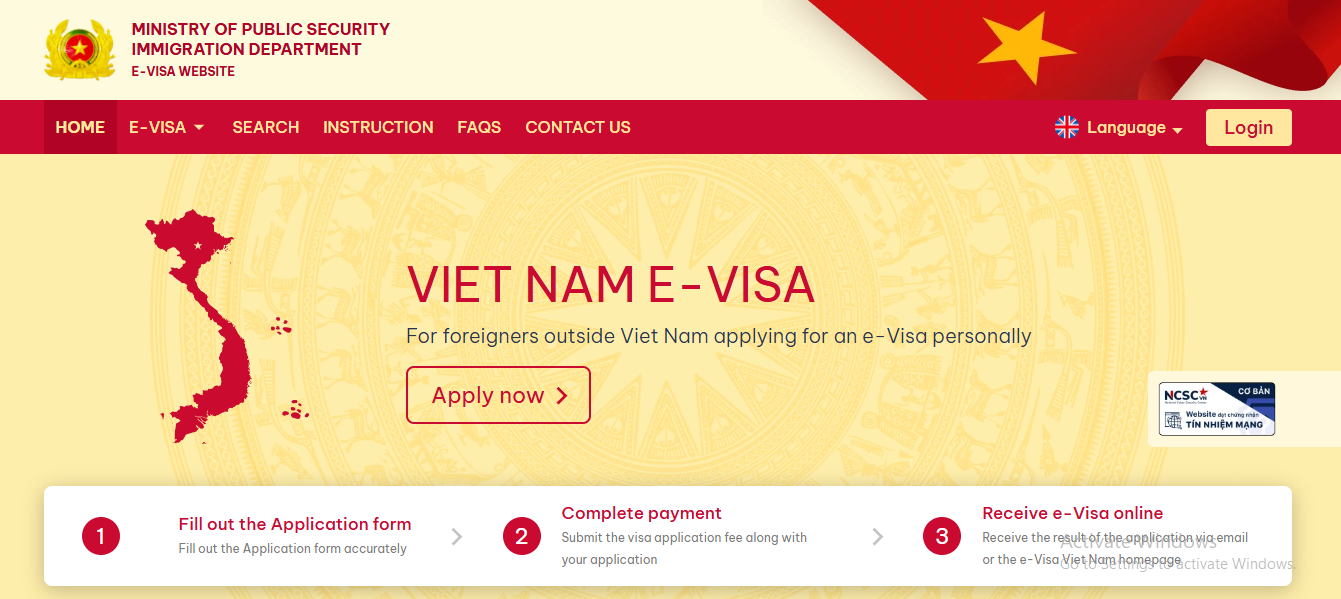
Step 1: Visit the official website of the Vietnamese government: https://evisa.gov.vn
The website interface will look like the image shown below.
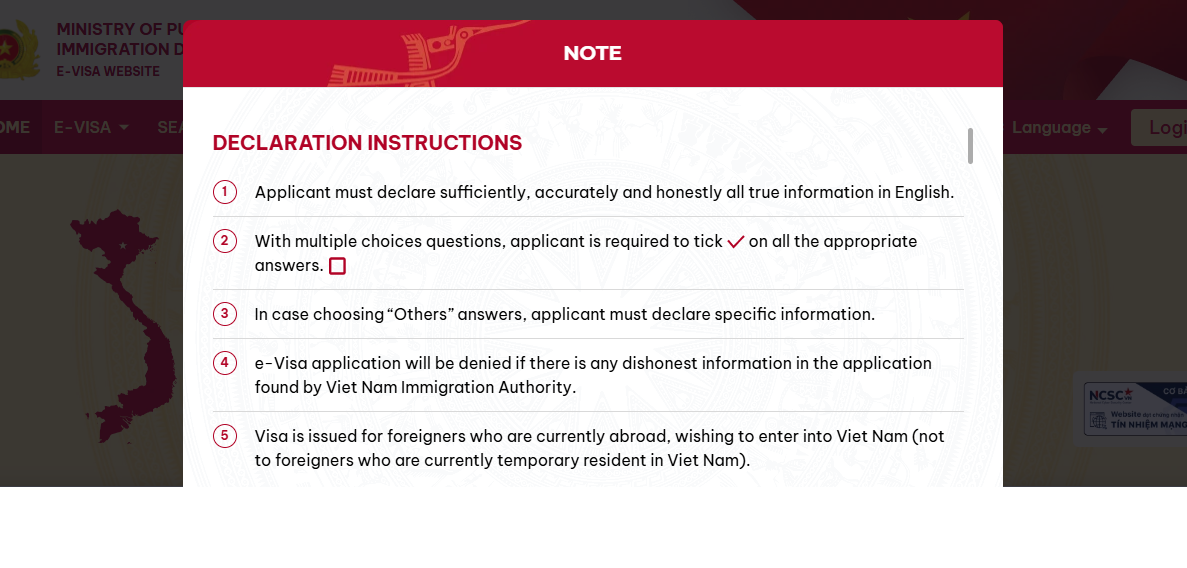
Step 3: Scroll down to the bottom of the page.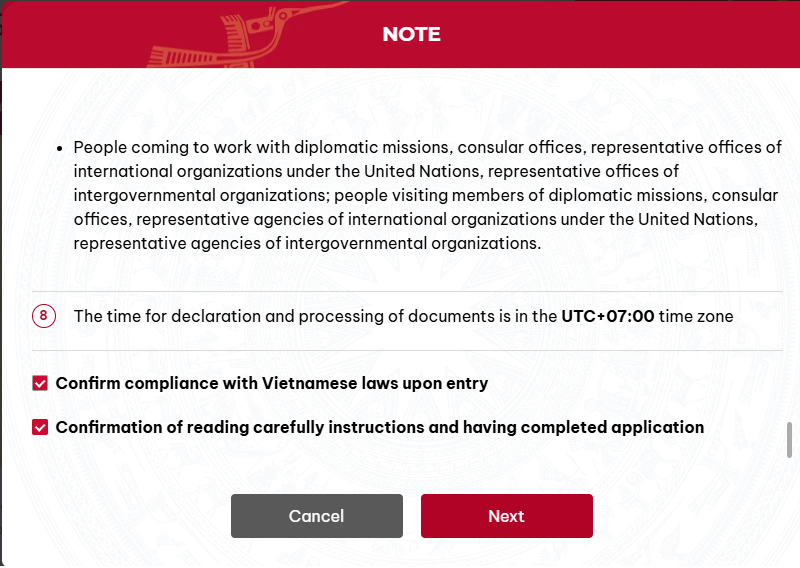
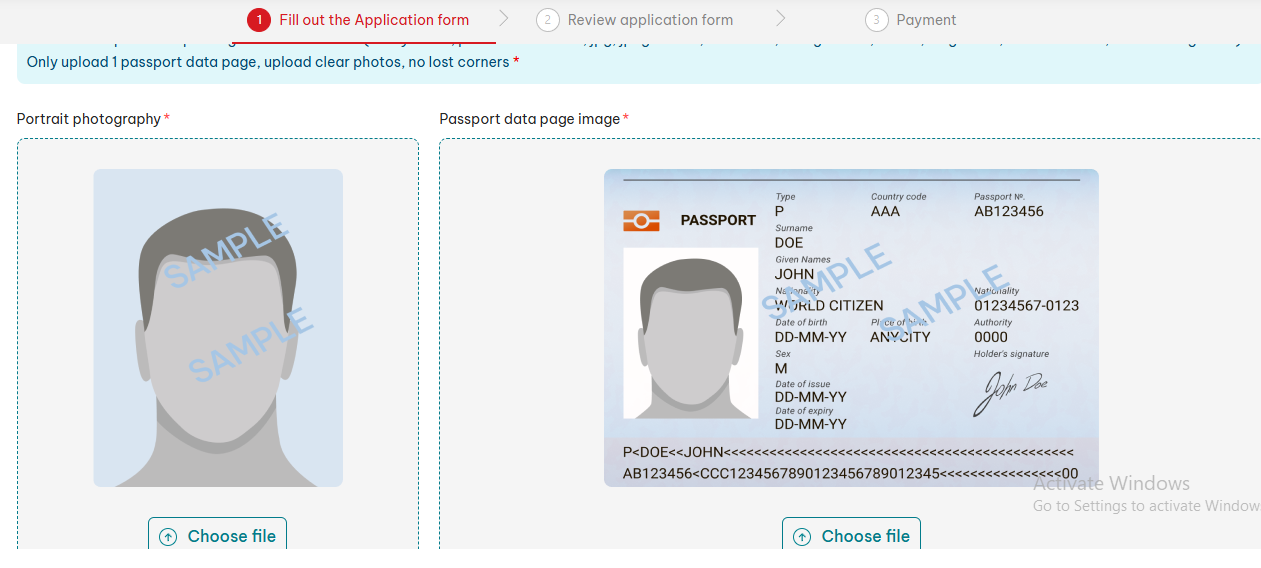
Step 4:
Portrait photography: Upload your portrait photo.
Passport data page image: Upload your passport photo page.Wait a moment. Once the photo and passport have been uploaded successfully, the screen will look like this: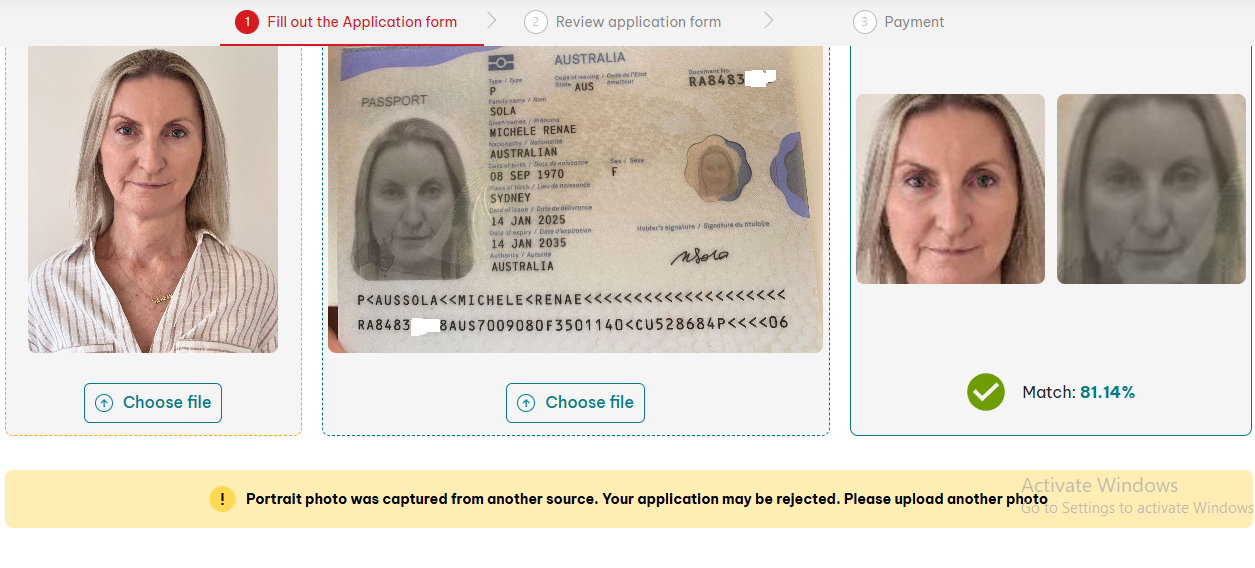 Match: 81.14%, and there is a notice saying: “Portrait photo was captured from another source. Your application may be rejected. Please upload another photo.”There is no need to worry about this. A match rate above 60% is usually acceptable. You can read this article of mine for reassurance. In that example, the match rate was only 58%: What photo match rate is acceptable when applying for an eVisa?After the upload is complete, the system will automatically fill in the passport information in the form. You do not need to edit it, because it is usually already correct. Later, we can check all the details again.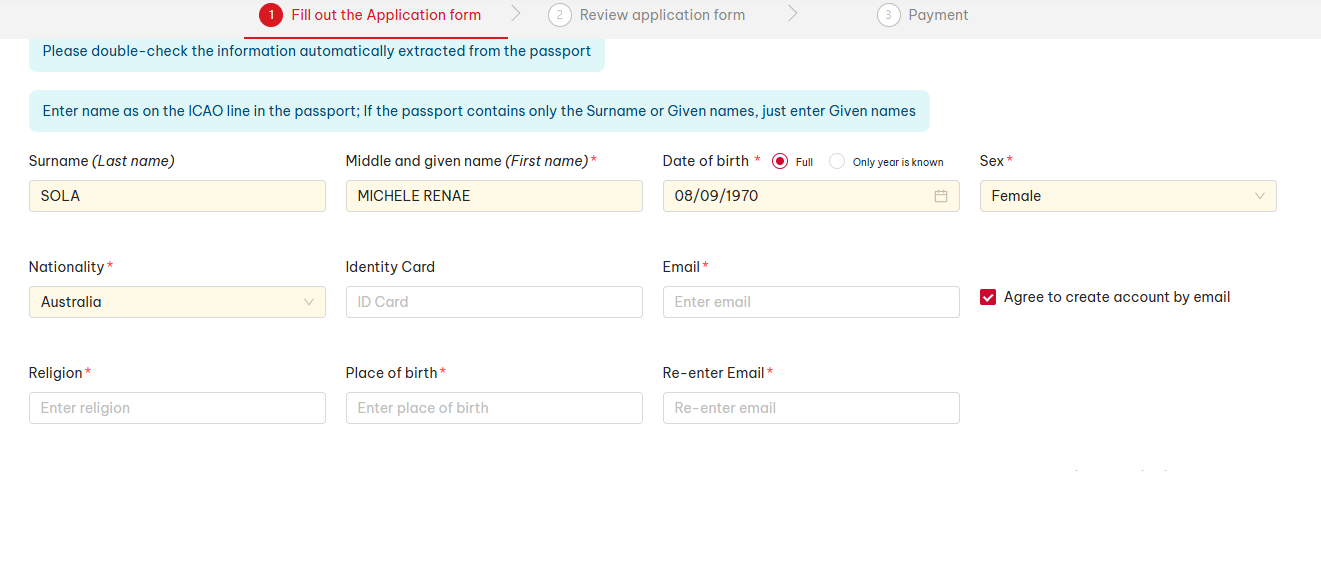
Email: example@gmail.com
Religion: No
Place of birth: enter it exactly as shown in your passport
Re-enter Email: example@gmail.com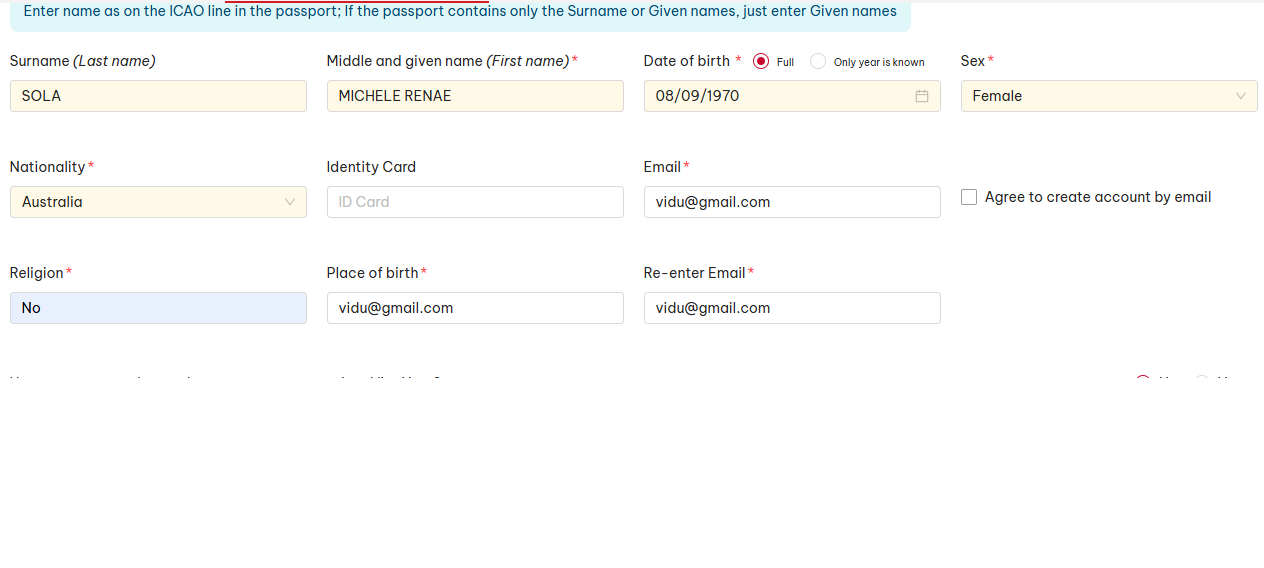 Have you ever used any other passports to enter into Viet Nam? Leave it as the website’s default: No
Do you have multiple nationalities? Leave it as the website’s default: No
Violation of the Vietnamese laws/regulations (if any): Leave it as the website’s default: NoStep 6:
2. Requested Information: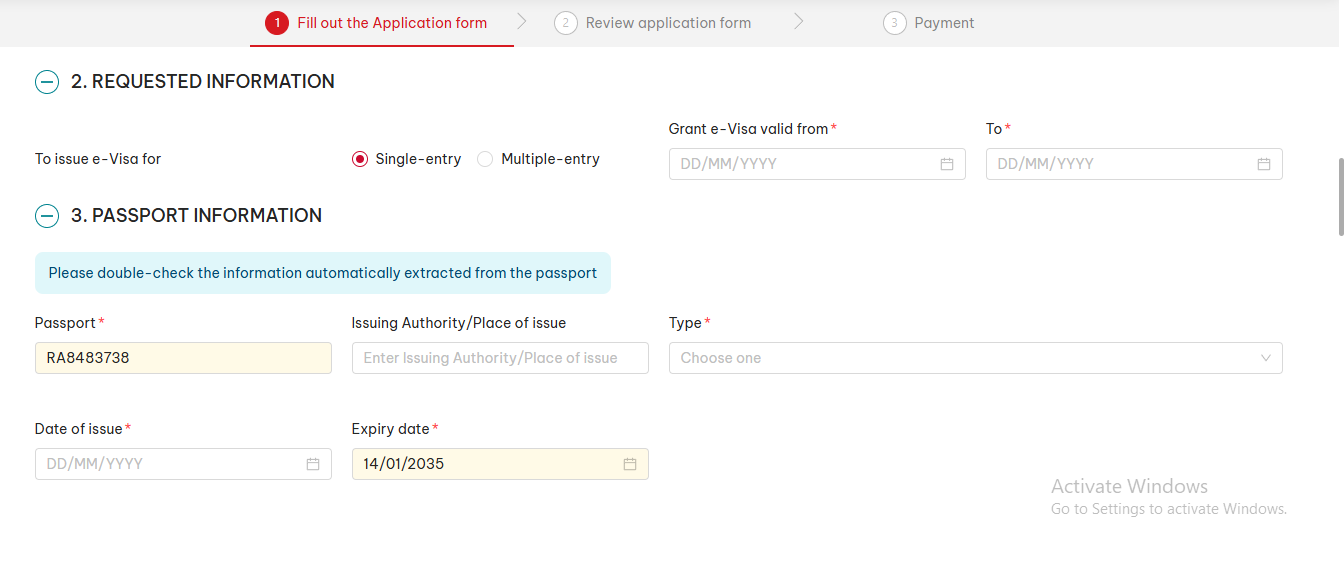 To issue e-Visa for:
- If you will enter Vietnam once, choose Single-entry.
- If you plan to return to Vietnam a second time during your trip, choose Multiple-entry.
For example, if you enter Vietnam on April 8, 2026 and leave on May 10, 2026, you can fill it in like this:Grant e-Visa valid from: April 6, 2026 to May 15, 2026I recommend choosing a date 2 days before your actual entry date and about 10 days after your planned exit date. This gives you a safer time buffer in case your flight is delayed or you get sick and need to stay a few more days, so you can avoid overstaying penalties.3. Passport Information
You only need to complete two fields here: Type and Date of issue.Type: Ordinary passport
Date of issue: 14/1/2025 (enter it exactly as shown in your passport)You can refer to the example image of my application below.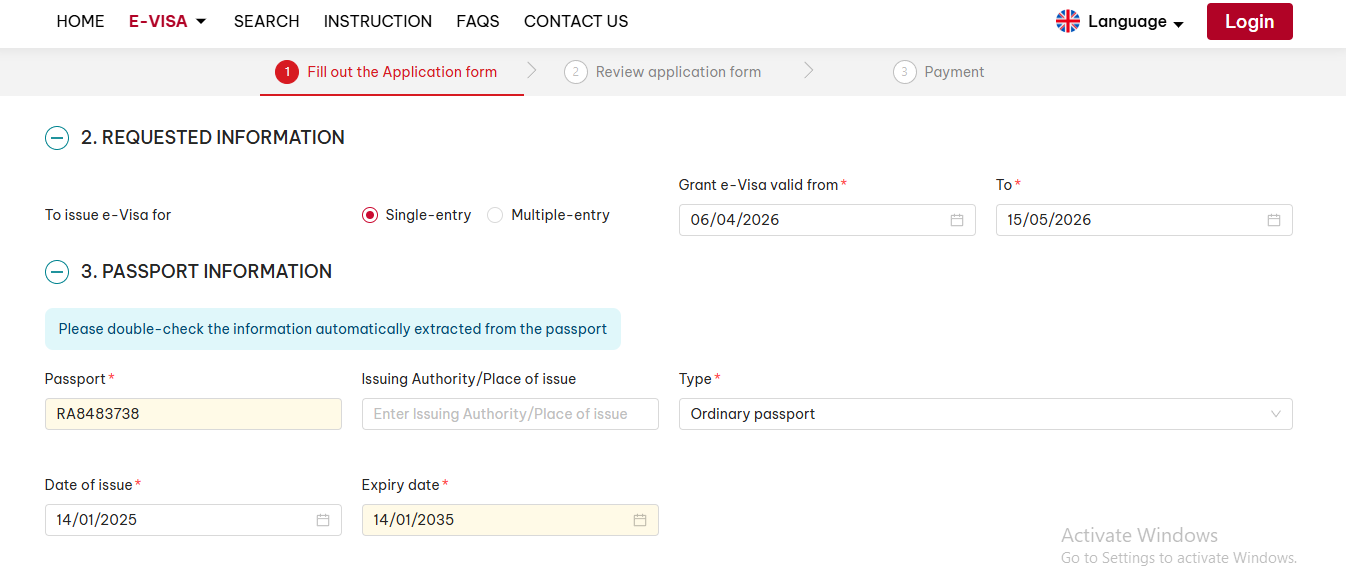 4. Contact Information
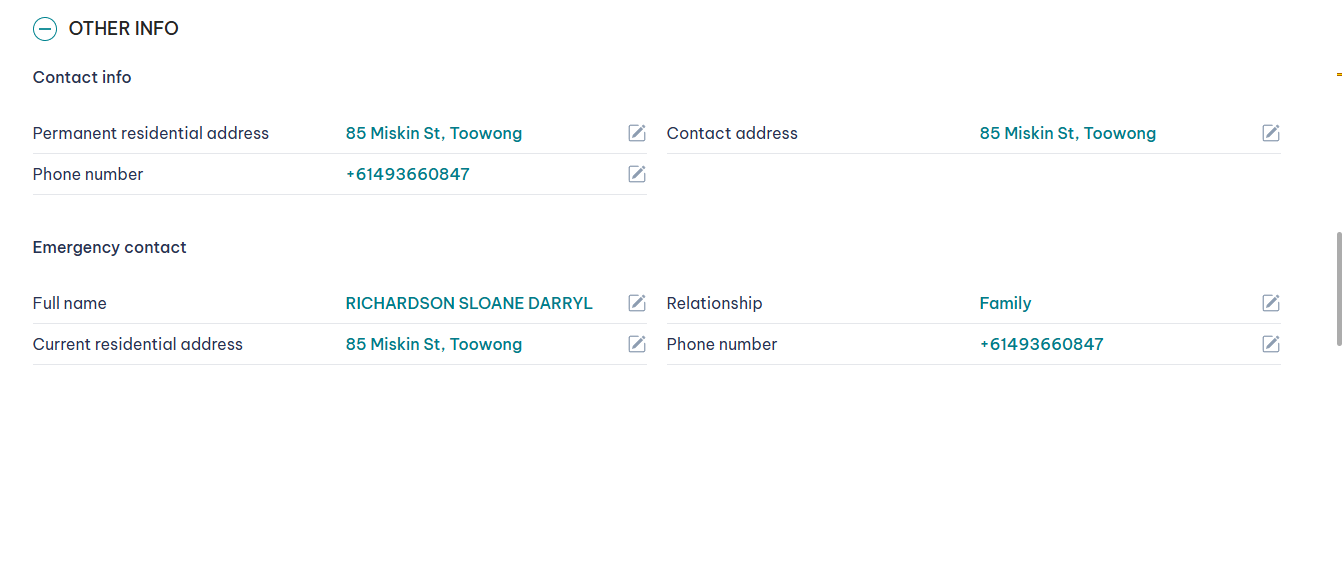
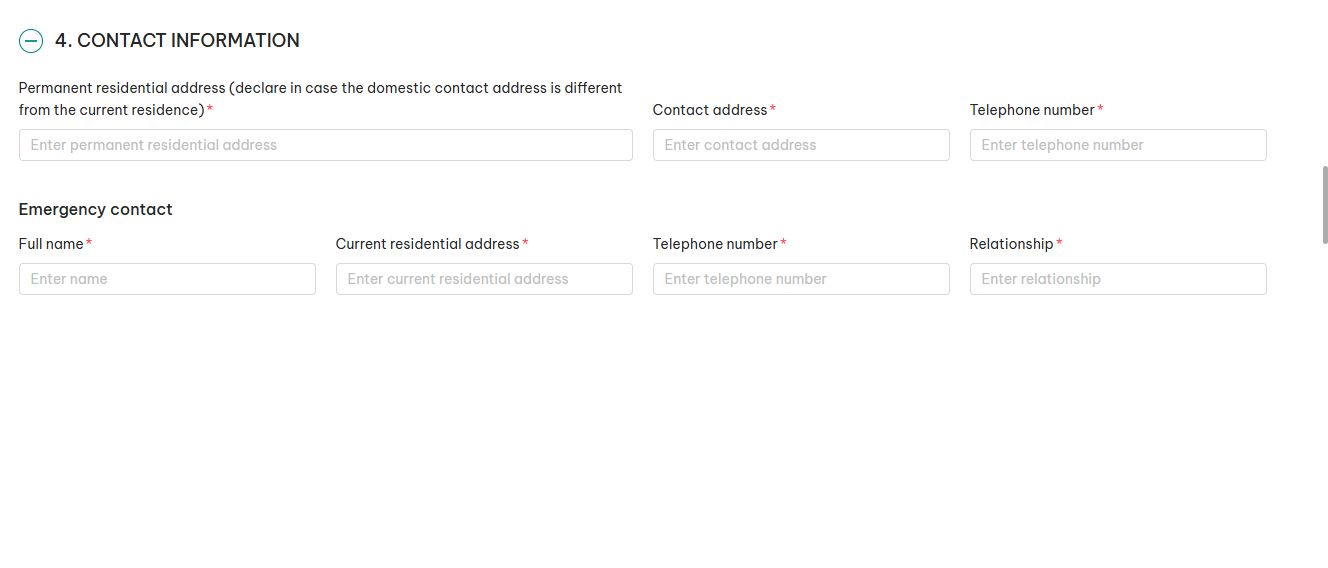 Here, enter your contact information.For example:
Home address: 102 Northumberland Ave, Stanmore
Phone number: +61416522313Fill in the form as follows:Permanent residential address (declare in case the domestic contact address is different from the current residence): 102 Northumberland Ave, Stanmore
Contact address: 102 Northumberland Ave, Stanmore
Current residential address: 102 Northumberland Ave, Stanmore
Telephone number: +61416522313 (enter the same number in both phone fields)
Relationship: Family
Full name: Your family member’s nameYou can refer to the example image of my application below.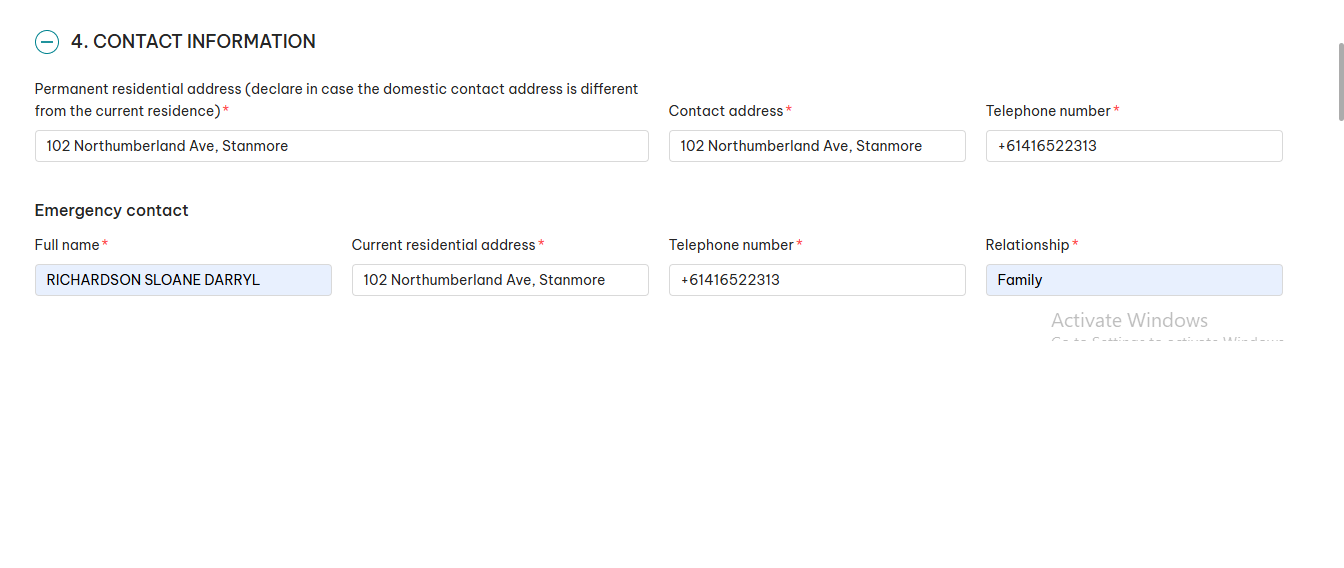 5. OCCUPATION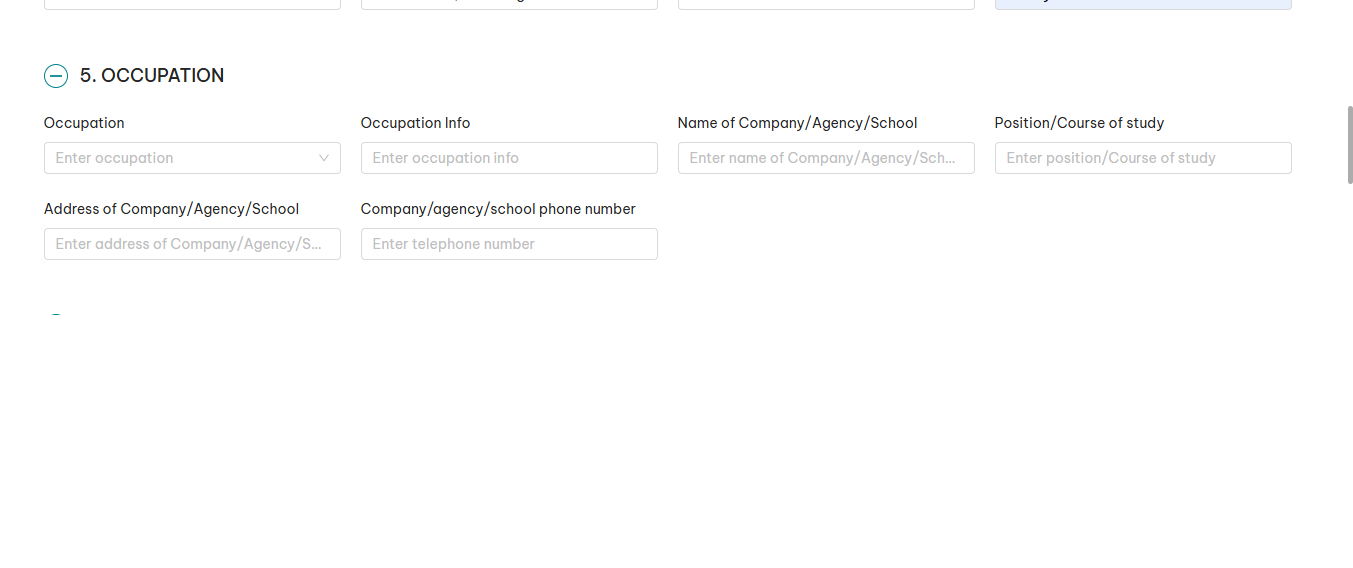
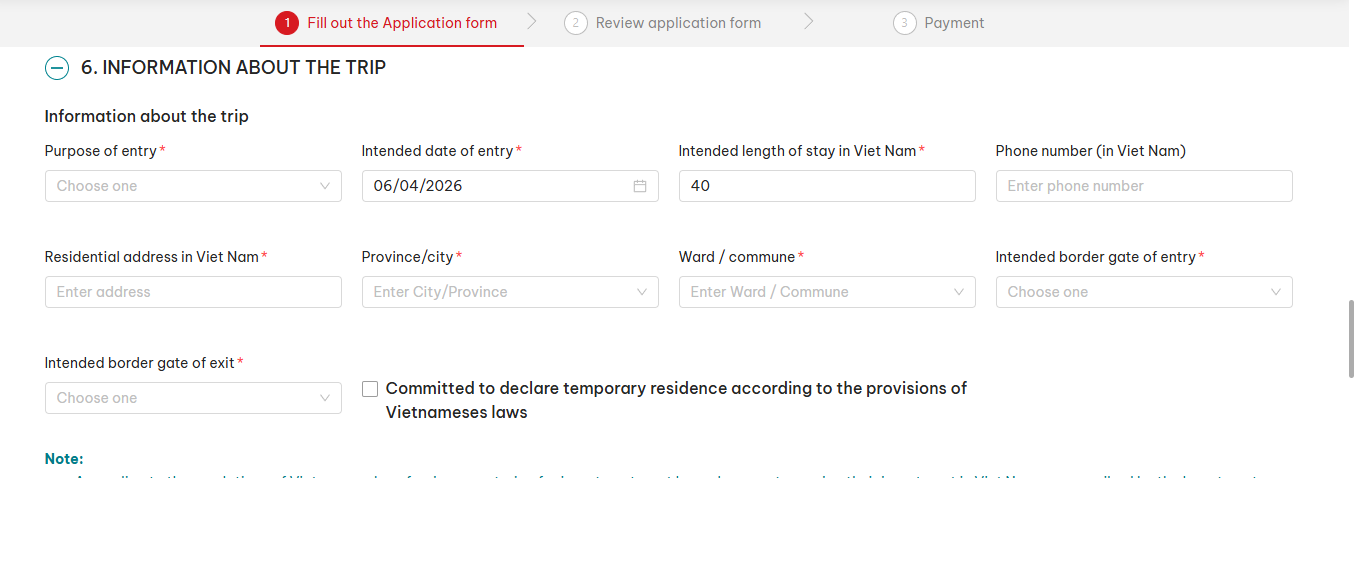
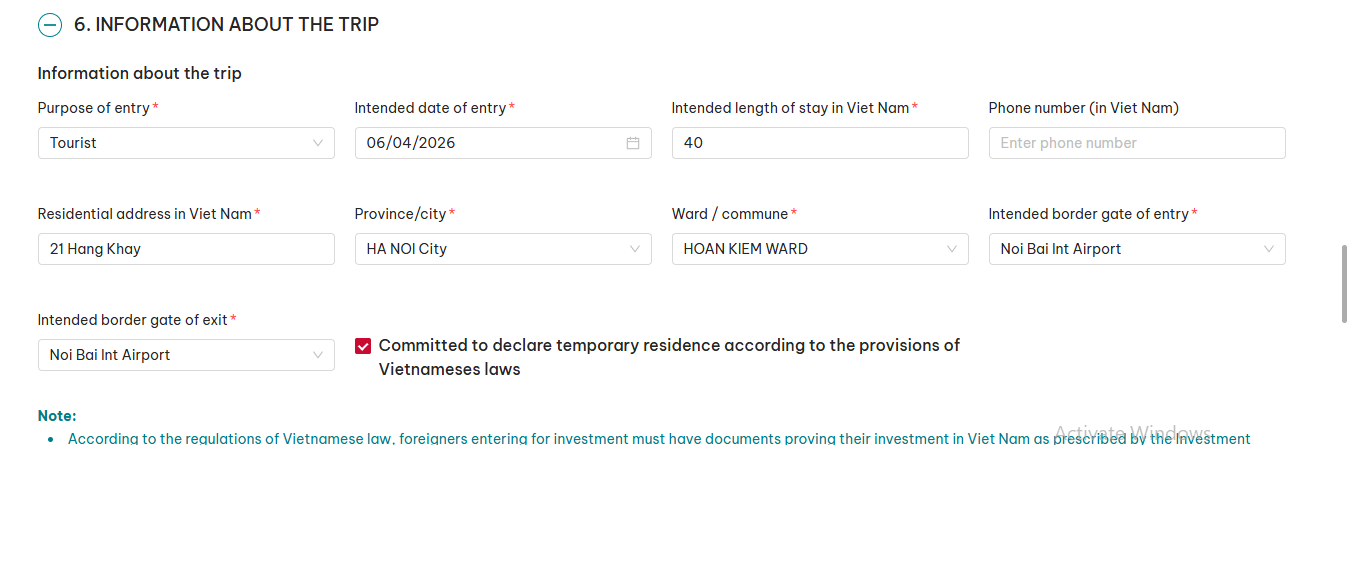
Residential address in Viet Nam: 21 Hang Khay
Province/City: HA NOI City
Ward / Commune: HOAN KIEM WARD
Intended border gate of entry: Noi Bai Int Airport
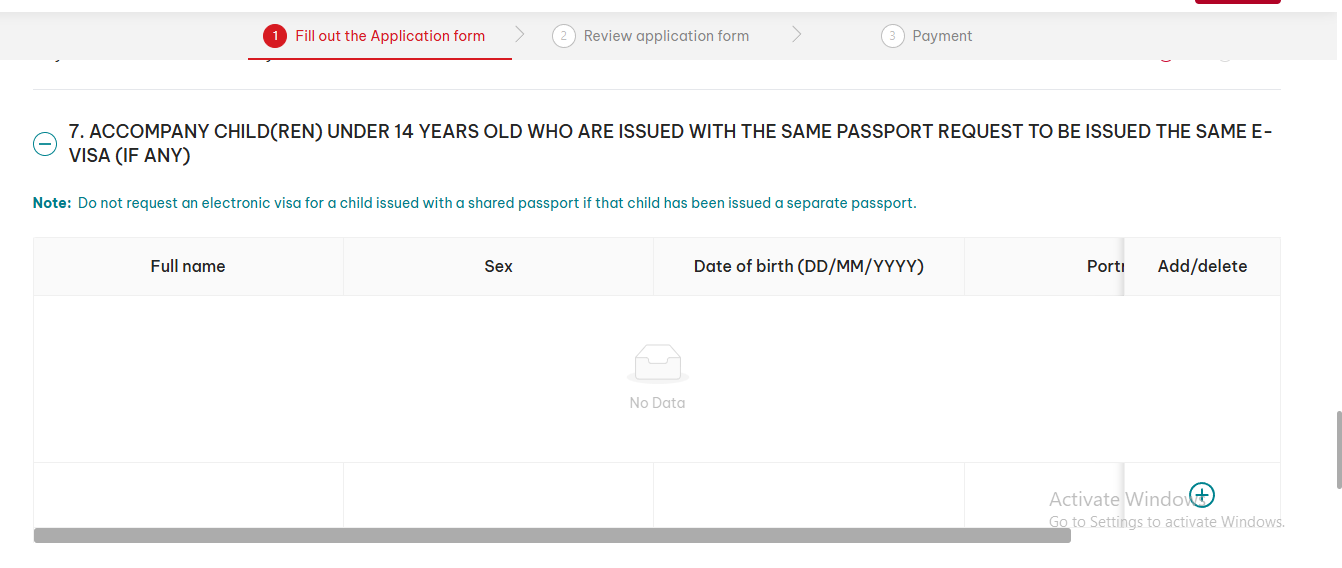
Intended border gate of exit: Noi Bai Int AirportFinally, tick: Committed to declare temporary residence according to the provisions of Vietnamese laws.You can refer to the image of my application for guidance (you may also use the same address directly in your own form).
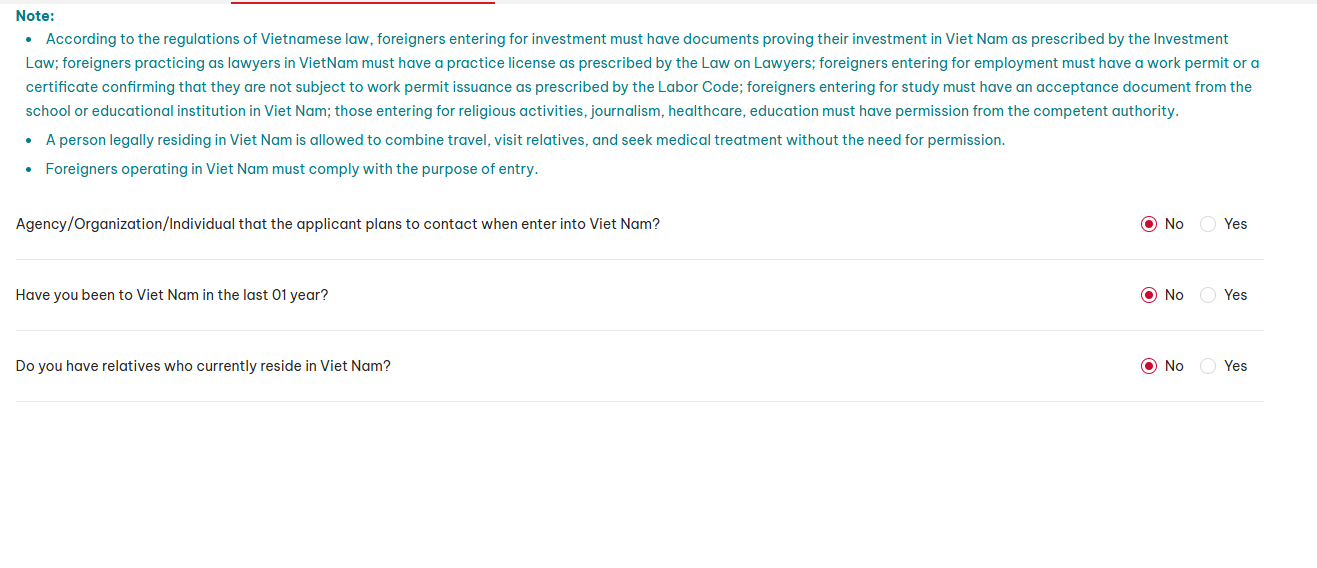
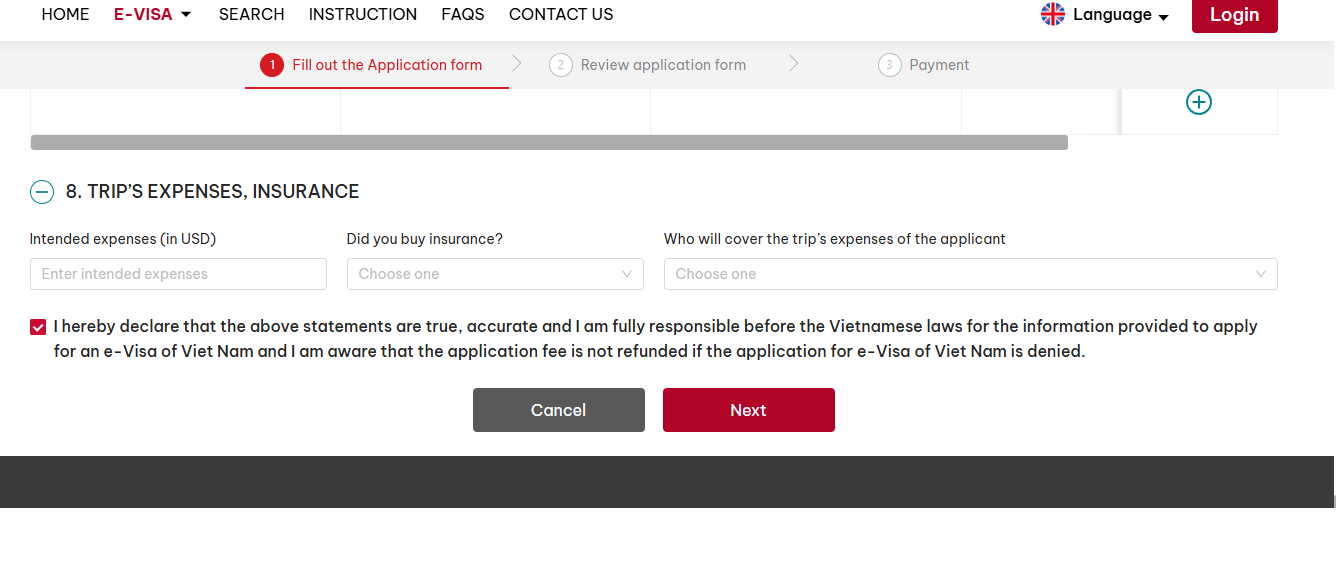
Have you been to Viet Nam in the last 01 year?: No
Do you have relatives who currently reside in Viet Nam?: No
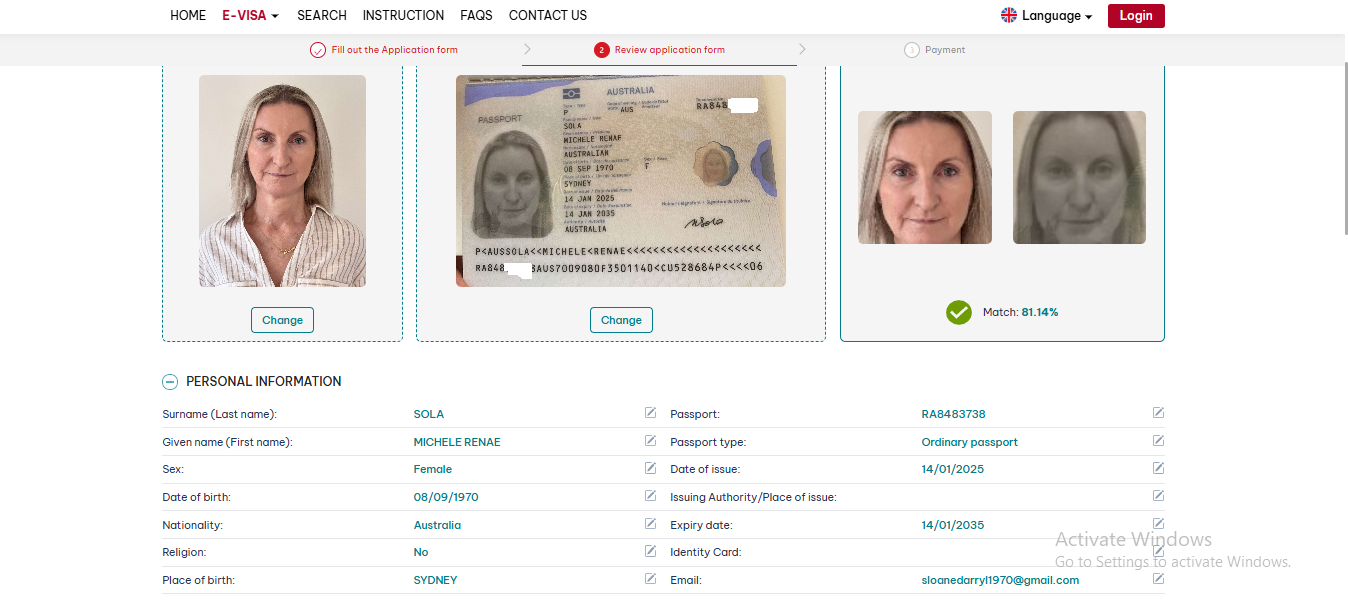
You need to check whether all the information matches your passport exactly. Pay special attention to the following:
- Your name — make sure it matches the ICAO line on your passport. You can check this guide of mine: How to Enter Your Name Correctly for a Vietnam eVisa
- Date of birth
- Passport number
- Date of exit
As shown in the image above, everything is correct.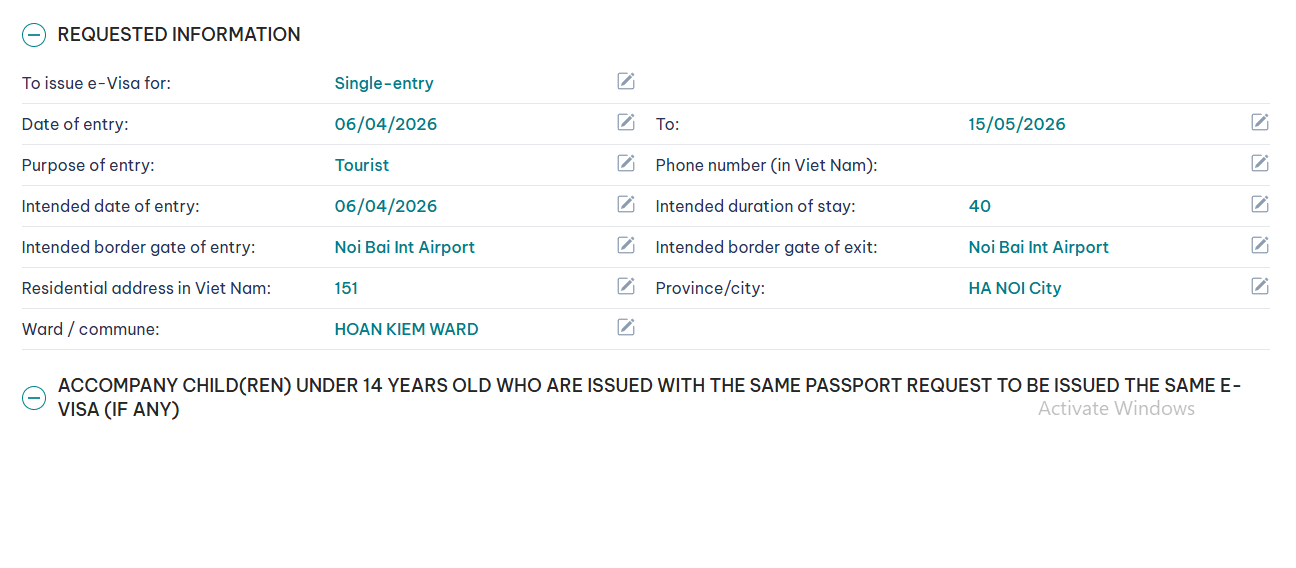 In this section, you should pay special attention to checking the following again:
- To issue e-Visa for
- Date of entry
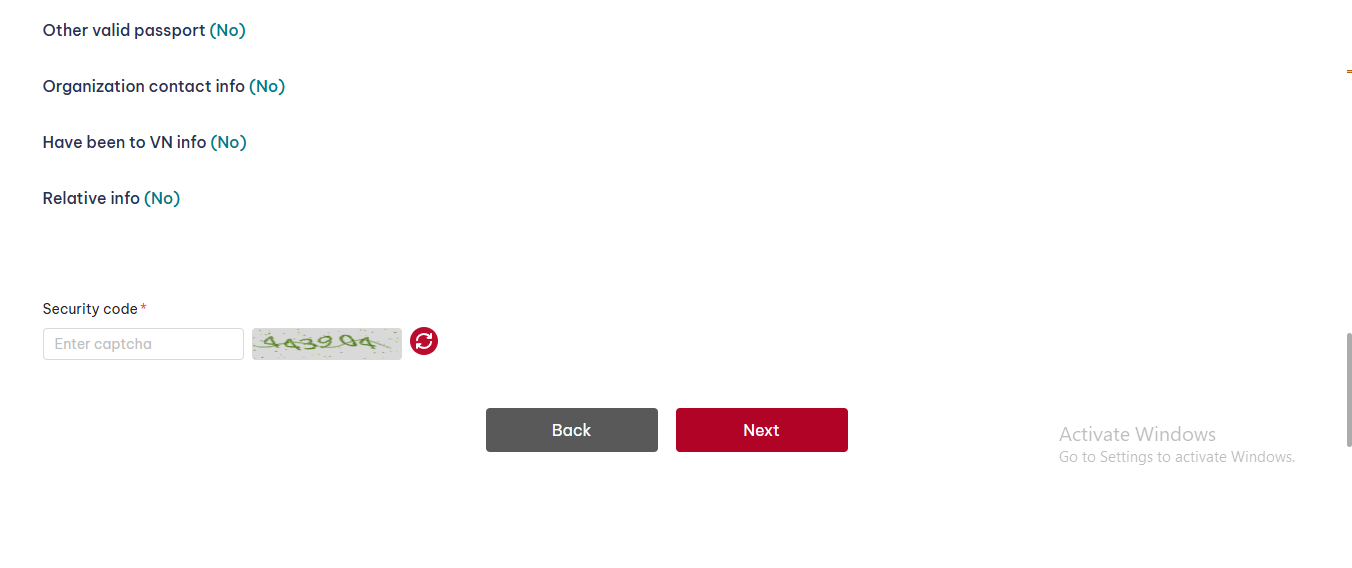
At this point, enter the code and click Next to move to the next step.
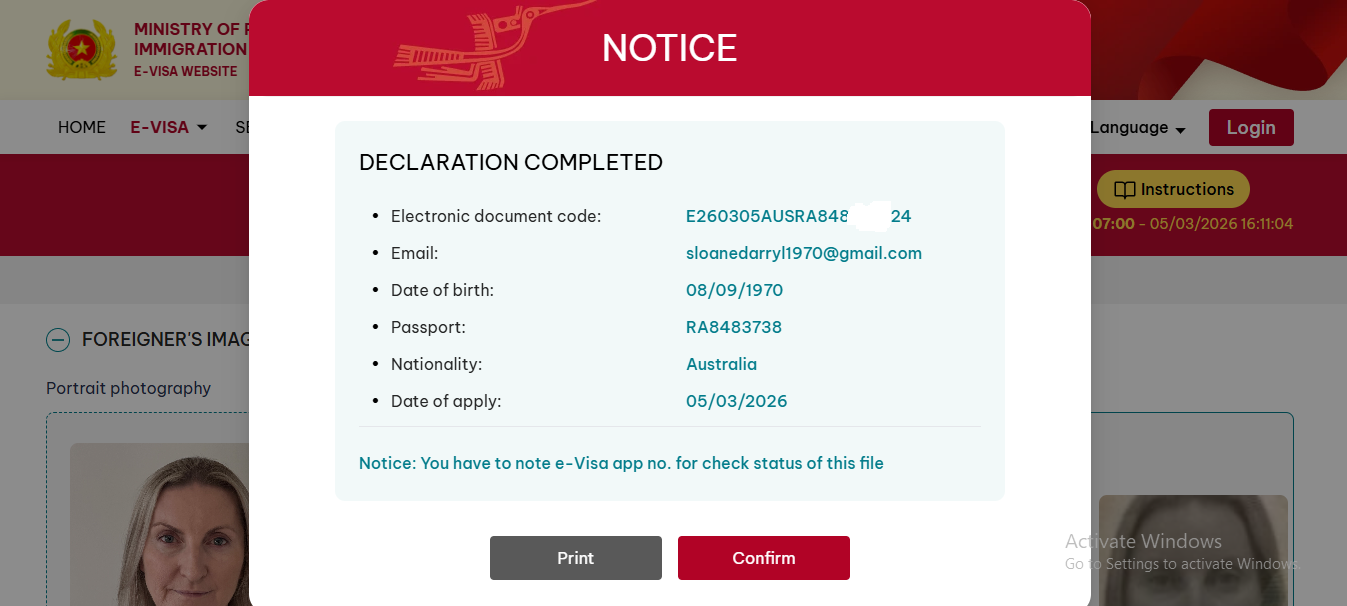
In this section, I check the information again for the second time. Remember to save the following details:
-
Electronic document code
-
Email
-
Date of birth
You will need these to check and download your eVisa result later.
After saving them, click Confirm to move to the next step.
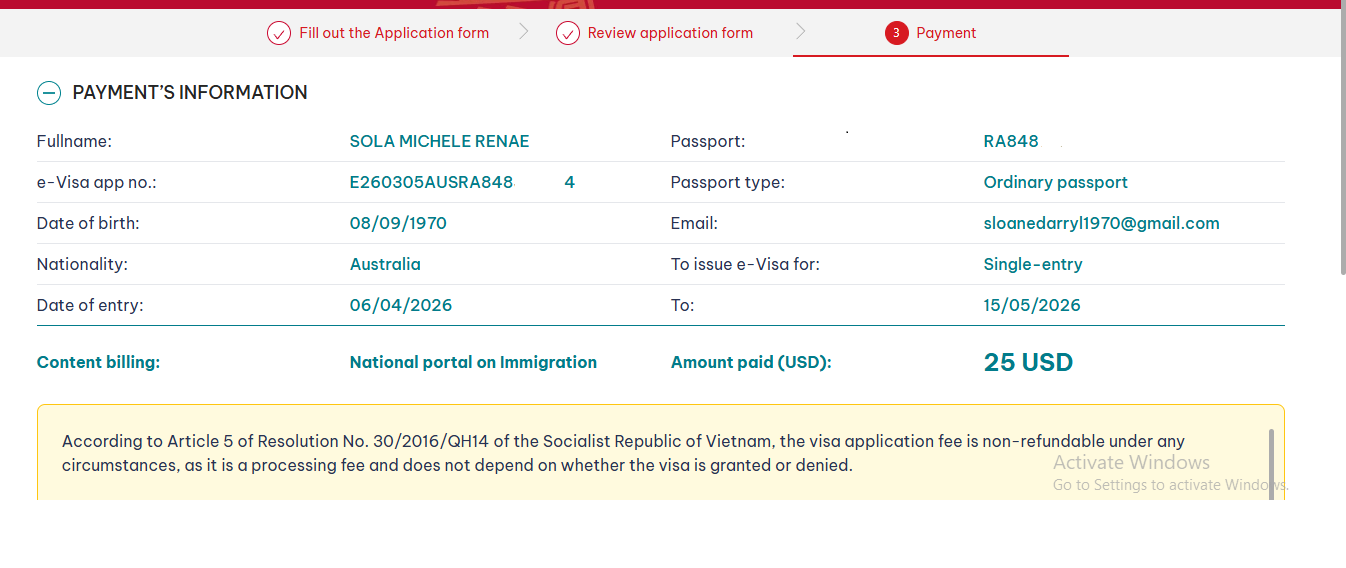
Do a final check, then scroll down and click Payment to proceed to the payment page.
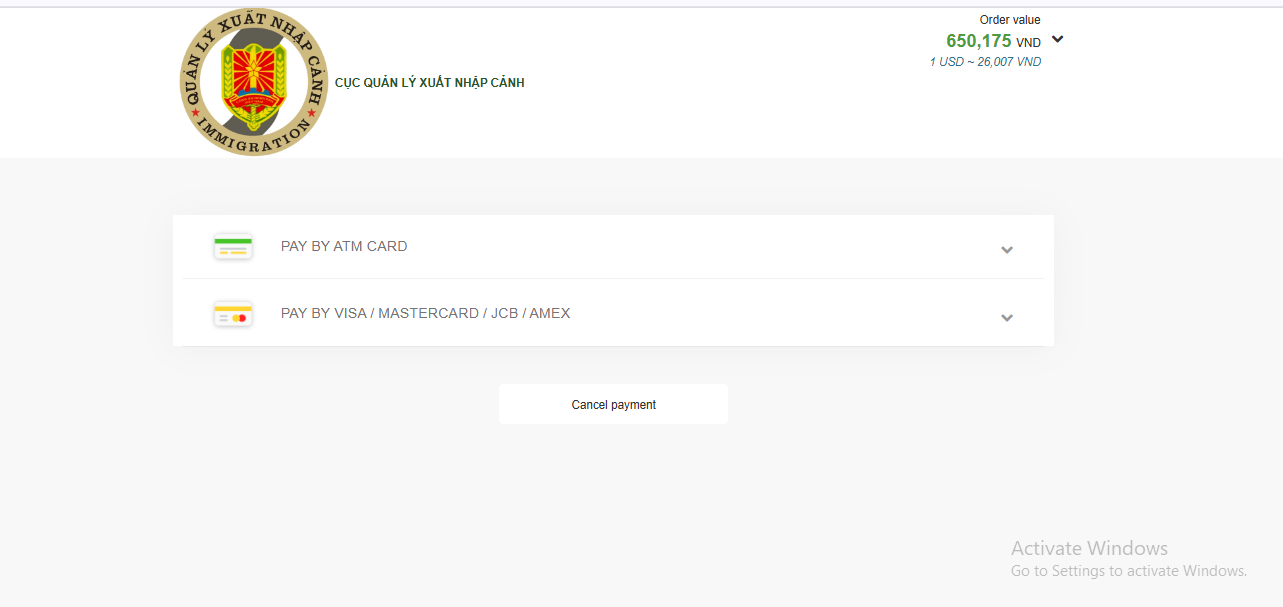
PAY BY ATM CARD: for Vietnamese domestic bank cards
PAY BY VISA / MASTERCARD / JCB / AMEX: for international payments
In this section, you should choose PAY BY VISA / MASTERCARD / JCB / AMEX in order to complete the payment.
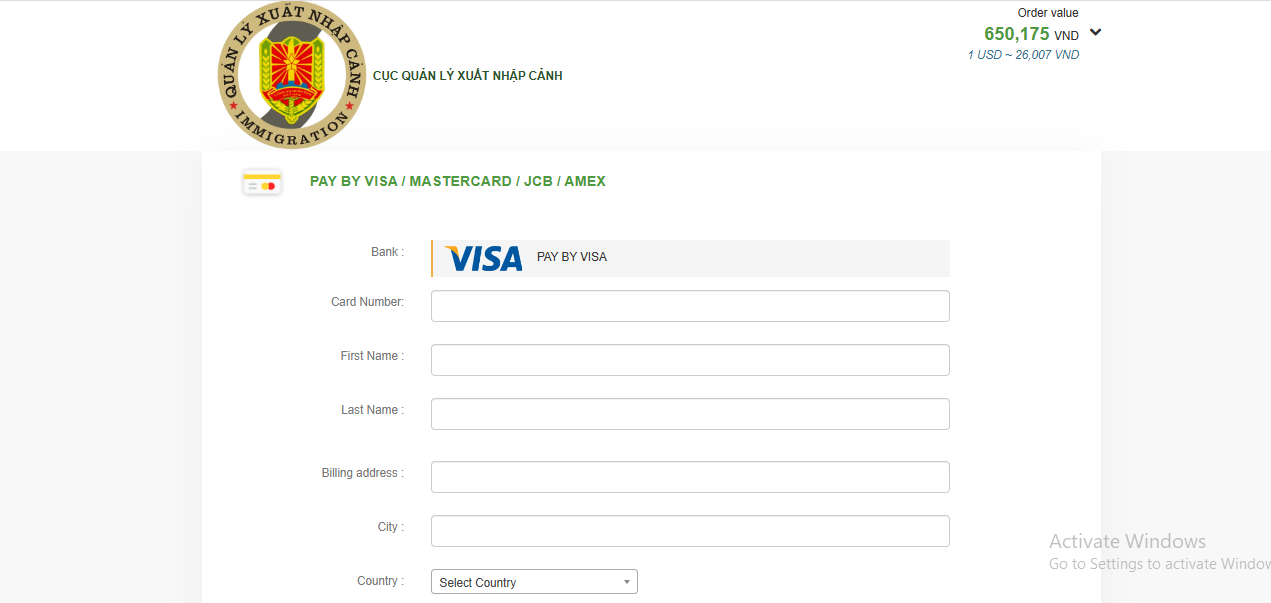
In this step, enter your Visa card details and click Continue to make the payment.
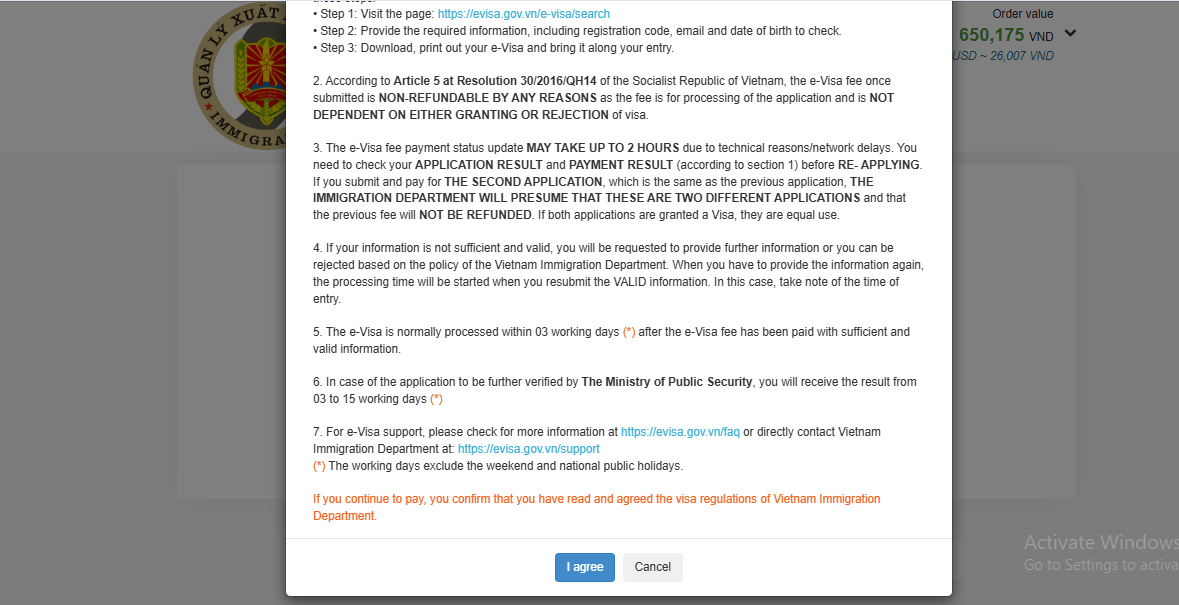
At this point, select “I agree” to continue with the payment.
Finally, after the payment is completed, the screen will display:
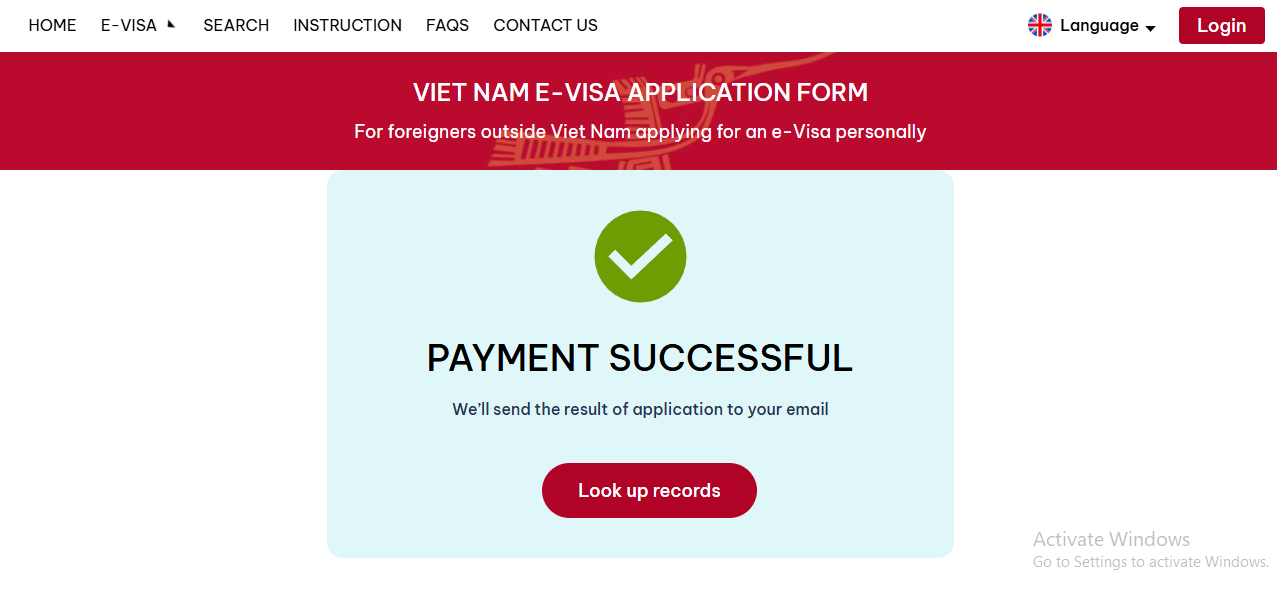
At this point, you have successfully completed your eVisa application.
After 3 to 5 working days from the date of submission, go to https://evisa.gov.vn and select SEARCH to check your result and download your eVisa.
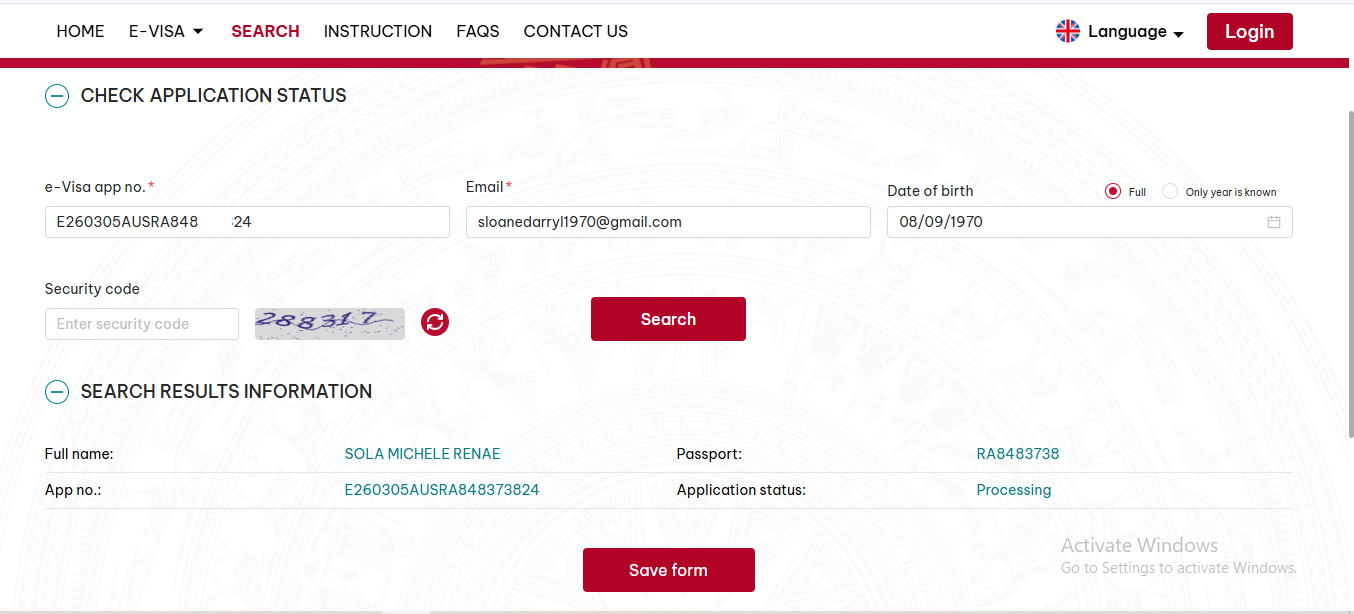
If you check your application and see a result like the one shown above, it means your eVisa application was submitted successfully.
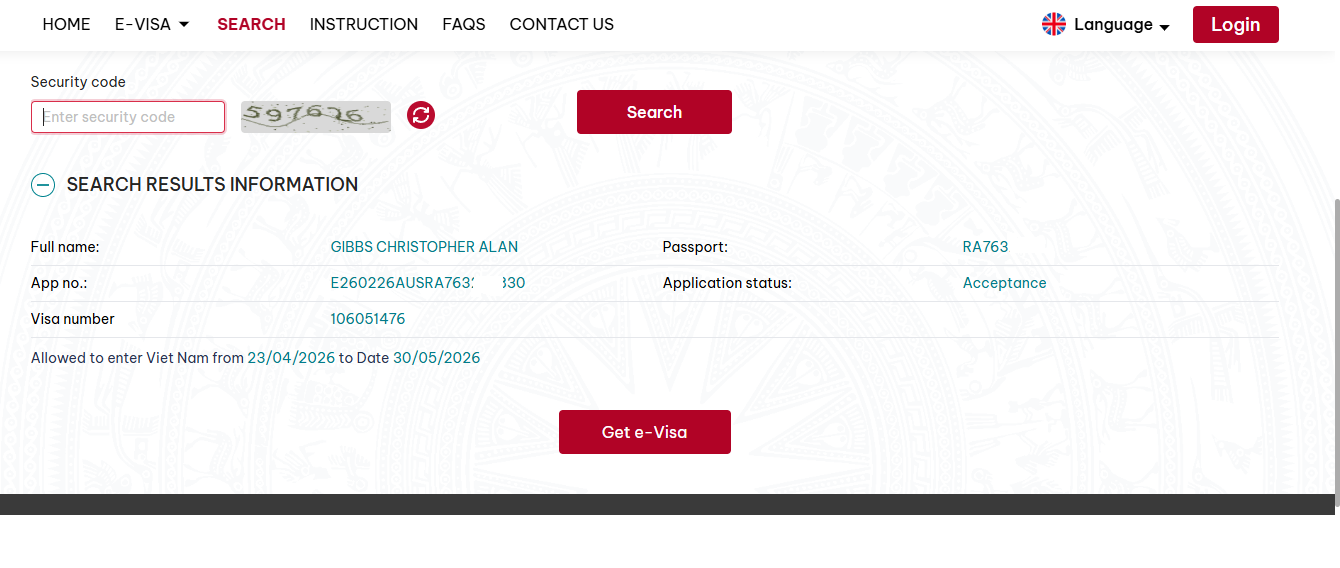
This is the result showing that your eVisa application has been approved successfully. Click Get e-Visa to download your result.
Below is a video guide to help you better understand the process and successfully complete your own Vietnam eVisa application: